


DMX
How does DMX work?
DMX lighting is a type of digital lighting control. DMX stands for Digital Multiplex and is a system that allows multiple fixtures to be affected by a single controller. DMX lighting uses a data signal to precisely control the intensity, colour, and other parameters of LED lights. That makes DMX-controlled lighting versatile. You can create any look you want and be entirely in control of your lighting.
512
Channels per universe
0-255
values per channel
33 Hz
Refresh rate
dmx
Wireless options
- In-house CLS R&D team
- Updated: July 9, 2026
what is DMX?
> THE DIGITAL STANDARD FOR PROFESSIONAL LIGHTING CONTROL
DMX lighting is a type of digital lighting control. DMX stands for Digital Multiplex and is a system that allows multiple fixtures to be controlled by a single controller. DMX lighting uses a data signal to precisely control the intensity, colour, and other parameters of LED lights.
That makes DMX-controlled lighting versatile. You can create any look you want and be entirely in control of your lighting. From a single dimmer to a full ColourFlow installation spanning an entire museum or theatre.
Daisy-chain wiring
DMX fixtures are connected in a daisy chain. The controller’s DMX OUT connects to the DMX IN of the first fixture. A second cable then runs from the DMX OUT of that fixture to the DMX IN of the next, and so on, for a maximum of approximately 32 fixtures per line. To set up a DMX universe with CLS fixtures:
- Connect power to your controller and fixtures.
- Put the DMX data cable into the DMX IN on your first fixture.
- Run a cable from DMX OUT on fixture 1 into DMX IN on fixture 2.
- Continue this chain for up to ~32 fixtures (check the product manual for the recommended maximum).
- Set each fixture to DMX channel mode and assign a start address.
- Program your fixtures using the set address and the number of faders needed for all functions.
CLS LED tip: CLS fixtures are always programmed on channel 1 by default. If you want all your fixtures to operate in the same way, you do not need to address them individually. Simply wire them in a daisy chain and they will all respond identically.
Types of DMX
> WIRED, WIRELESS OR MESH - KNOW THE DIFFERENCE

DMX512
DMX512 is the most common DMX protocol. It uses a data signal to control lighting. The data signal is transmitted via a cable from the DMX controller to the DMX fixtures. With DMX512, you can control 512 channels, where each channel can have a value from 0 to 255.

WIRELESS DMX
If it is challenging to connect each device with cables, a solution may be to send a signal wirelessly. This can be useful when the existing setup does not allow for adding a physical data line. Wireless DMX is the quicker and more cost-effective option in such cases. It is also easy to use in places like churches or other locations where new cabling is not desired to maintain the appearance of the venue.
However, there are risks, especially in areas with a lot of airborne signals. Creating a stable wireless signal is therefore more effortful than using a cable. Our advice is that if you can use a cable, this is always preferable.
The Difference between casambi and wireless dmx
Both systems transmit wirelessly, but they work in fundamentally different ways.
wireless dmx
With Wireless DMX, the signal is broadcast from a central transmitter to receivers at each fixture; the same one-directional logic as wired DMX512, just without the cable.
Advantages:
> More control over the dimming curve and timing
> There is no limit to the number of fixtures that can be connected to a transmitter
Disadvantages:
> Each fixture must be within range of the transmitter
> Creating a stable network can be challenginG

casambi bluetooth
Casambi is a Bluetooth mesh system. Fixtures communicate with each other directly, forming an intelligent network. You only need to be within range of the first fixture to adjust any of them, since they “talk” to each other. The system can also operate autonomously with various types of sensors, and requires no dedicated DMX controller, just a smartphone or tablet with the Casambi app.
Advantages:
> The system can operate autonomously with various types of sensors
> You only need to be within range of the first fixture to adjust any of them, since they “talk” to each other
Disadvantages:
> Timing and dimming curves are less accurate
> A limited number of fixtures in a single network
where is dmx used?
> FROM THEATRES TO MUSEUMS, DMX WORKS EVERYWHERE
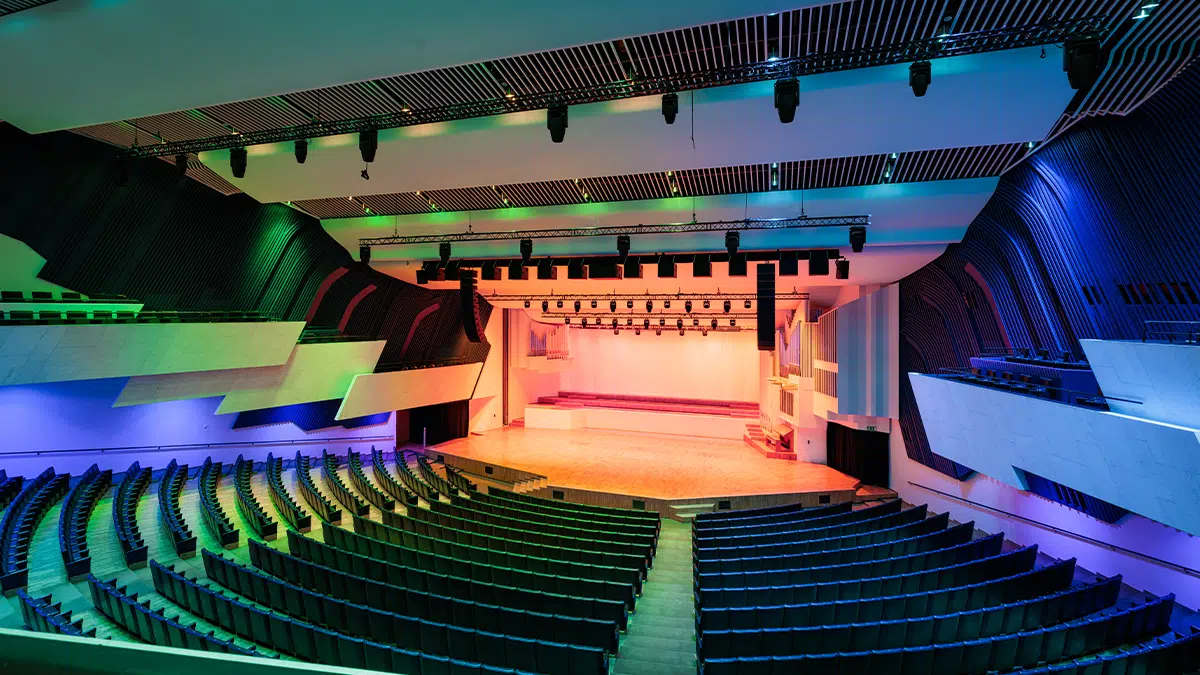
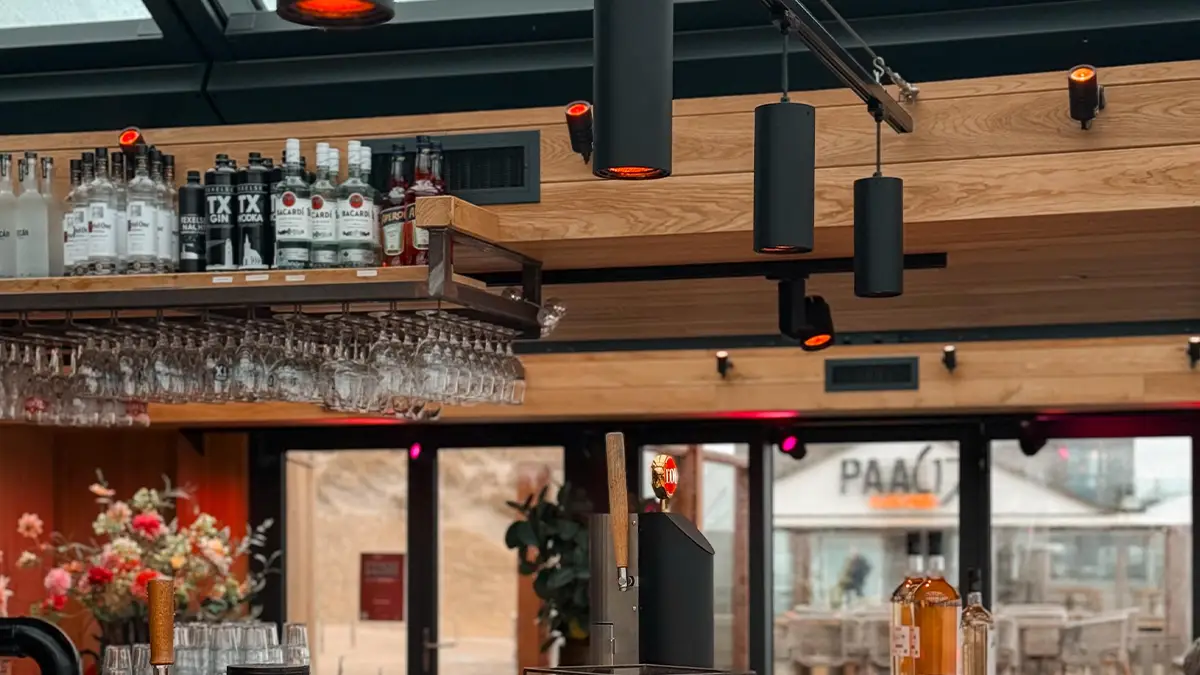
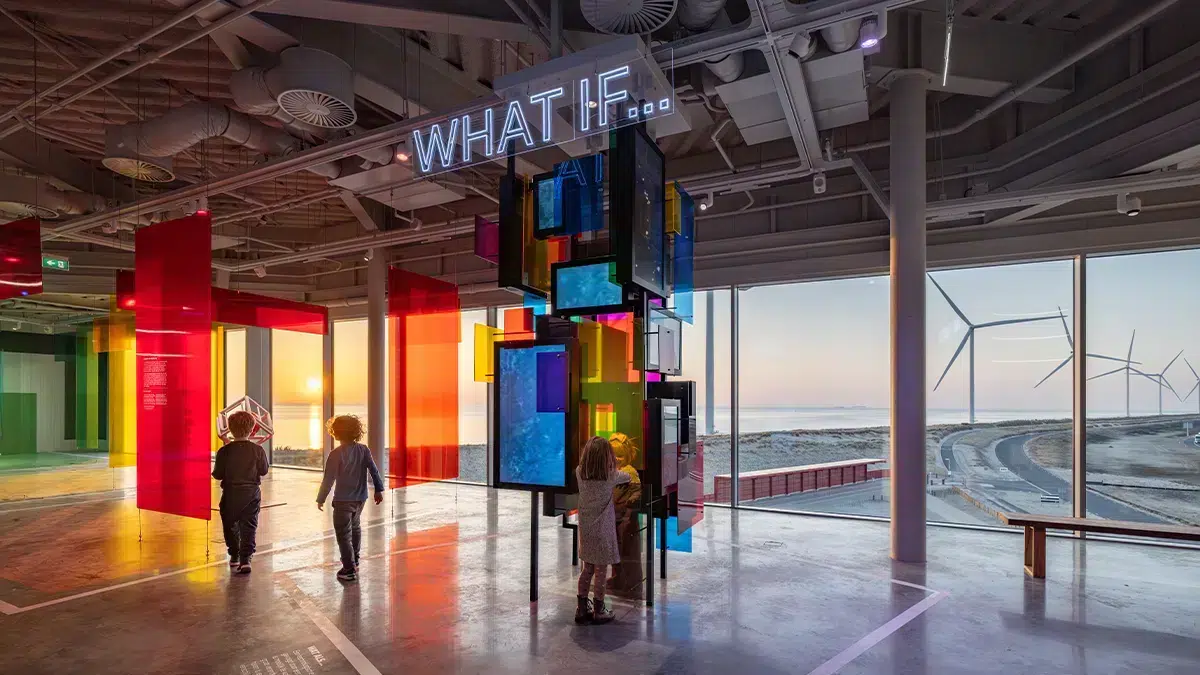
The versatility of DMX-controlled lighting allows it to be used in a wide range of applications. Among the most common applications are theatres, concerts, and clubs. However, DMX can also be used in museums, churches, shops, TV & radio studios, and hotels. The possibilities are endless. The greatest advantage of DMX-controlled lighting is that it offers full control. You can program LED lighting to create any desired effect. You can control and adjust the intensity, colour, and other parameters in a fraction of a second.


channels & addresses explained
> DIFFERENCE BETWEEN CHANNELS AND ADDRESSES
DMX-CHANNEL
A DMX512 universe has 512 channels. All these channels are controlled by the controller. Each channel can have a value from 0 to 255. All 512 channels are transmitted in one block, sequentially. On average, a block is transmitted 33 times per second.
DMX-ADDRESS
A DMX address, also known as a start address, indicates from which channel in a block the data is used by a fixture. If the fixture is an RGBW fixture with a start address of 10, it will retrieve the value of red from channel 10, green from channel 11, blue from 12, and white from 13.
Every fixture has its own number of channels needed to be able to use every function. When you start programming all of your fixtures, always check the number of channels needed when you add more than one fixture to your universe. If you address fixtures immediately after each other without accounting for channel count, it is possible to accidentally adjust the settings on fixture 1 when you intend to adjust fixture 2.
Channels per CLS LED fixture type: A White (W) fixture needs 1 channel. A Tunable White fixture needs 2 channels. A ColourFlow RGBW or RGBA fixture needs 4 channels. If you add the Soft Dim option, you need 1 extra channel — so an RGBW fixture with Soft Dim needs 5 channels. The Soft Dim and master channel always come after the colour channels.
PROGRAMMING YOUR FIXTURES CORRECTLY
> ADDRESS YOUR INSTALLATION WITHOUT CONFLICTS
Number of addresses needed for a fixture - Consecutively addressed
When programming your DMX universe, address each fixture directly after the last channel used by the previous one. The example below shows how four fixture types consume channels sequentially. If you want to add more fixtures to your DMX universe, you need to program the next fixture starting at the address immediately after the last used channel of the previous fixture.
For example: if fixture 2 is an RGBW ColourFlow starting at address 2, it occupies channels 2, 3, 4, and 5. The next fixture must therefore start at address 6, not 3. Getting this wrong means two fixtures will respond to the same controller input at the same time.

PROGRAMMING IN bundleS
To make it easier to control multiple fixtures at the same time, you can program them on the same channel. When you alter the settings for a fixture, all fixtures on the same address listen to your commands. This way you only need the amount of channels the fixture needs once, so for example with 2 fixtures that both need 4 channels, you only need 4 to control both of them, instead of 8.

Please note: Always check the channel count of the previous fixture before programming the next one. If fixture 3 needs 4 channels starting at address 9, the next fixture must start at address 13 — not 10. Overlapping addresses will cause unintended cross-control between fixtures.
cls fixture feature
> MEMORY ON BOARD - NO CONTINUOUS SIGNAL REQUIRED
CLS fixtures offer memory on board functionality. This means that a pre-programmed intensity value can be stored in the fixture’s internal memory. It is therefore not required to provide a continuous DMX control signal to maintain the output level. The fixture will hold its last programmed value even if the controller is switched off or disconnected.
Practical use: This is particularly useful in installations where the DMX controller is not always present or powered. Programme the desired output level once, and the fixture will maintain it independently until reprogrammed.
splitters, boosters & terminators
> KEEP YOUR SIGNAL STRONG ACROSS LARGE INSTALLATIONS
There are several types of splitters, with the non-isolated and isolated being the most well-known. A splitter is needed in three common situations: when you have more than 32 fixtures on a single DMX line, when the controller needs to be disconnected while the DMX line must remain powered, and when the signal needs to travel over longer distances.
Non-isolated splitter
The non-isolated splitter is preferred by CLS. It ensures that any potential interference or overvoltages on one DMX line are not passed on to the other DMX line, making it the reliable choice for most professional installations.
isolated splitter
Provides full electrical isolation between output branches. Any fault on one line cannot affect the others. Also acts as a signal booster, refreshing the DMX signal before distributing it across branches.
DMX booster
When your DMX line needs to cover a long distance, the signal can become too weak. A DMX booster ensures that the signal is amplified, allowing it to be transmitted further. Multiple boosters can be used in a DMX line. For this purpose, you can also use a splitter.
DMX terminator
To prevent unstable operation due to reflections, you can use terminators on your last device. You can terminate the signal with a 120 Ohm resistor.
y-cable
Y-cables allow for a quick split in a DMX line. However, this is discouraged due to potential interference and signal attenuation. Do not use Y-cables as a substitute for a proper splitter.
WHEN TO USE A SPLITTER:
Use a splitter when you have more than 32 fixtures on a single DMX line, or when you need to isolate the controller from the line. When the controller is disconnected, the DMX line can float and become vulnerable to interference. A splitter keeps the line powered and stable even without the controller present.
Continue reading
> RELATED ARTICLES
hOW TO SET UP DMX CONTROLLED CLS FIXTURES
Step-by-step guide to wiring, addressing and programming your CLS LED fixtures with DMX, including controller requirements and fixture-specific channel configurations.
LUMITAG - THE CLS NFC APP
Configure, diagnose and manage your CLS fixtures via NFC using the free LumiTaG app. No cables, no mains power, no complexity. Just hold your phone to the fixture.
Bleiben Sie auf dem Laufenden
Contact
> NEED ADVICE?
Want to know more about DMX? Look at our product pages to see which products are compatible with DMX, or contact us. We are happy to help. You can leave your question in the form below, and we will do our best to get back to you within 24 hours.